2025 Guide to Microsoft Azure Pricing | Microsoft Azure Cost Insights
Microsoft Azure operates on a pay-as-you-go (PAYG) pricing model, meaning customers only pay for what they use. Billing varies by service type — hourly, transaction-based, or usage-tier-based.
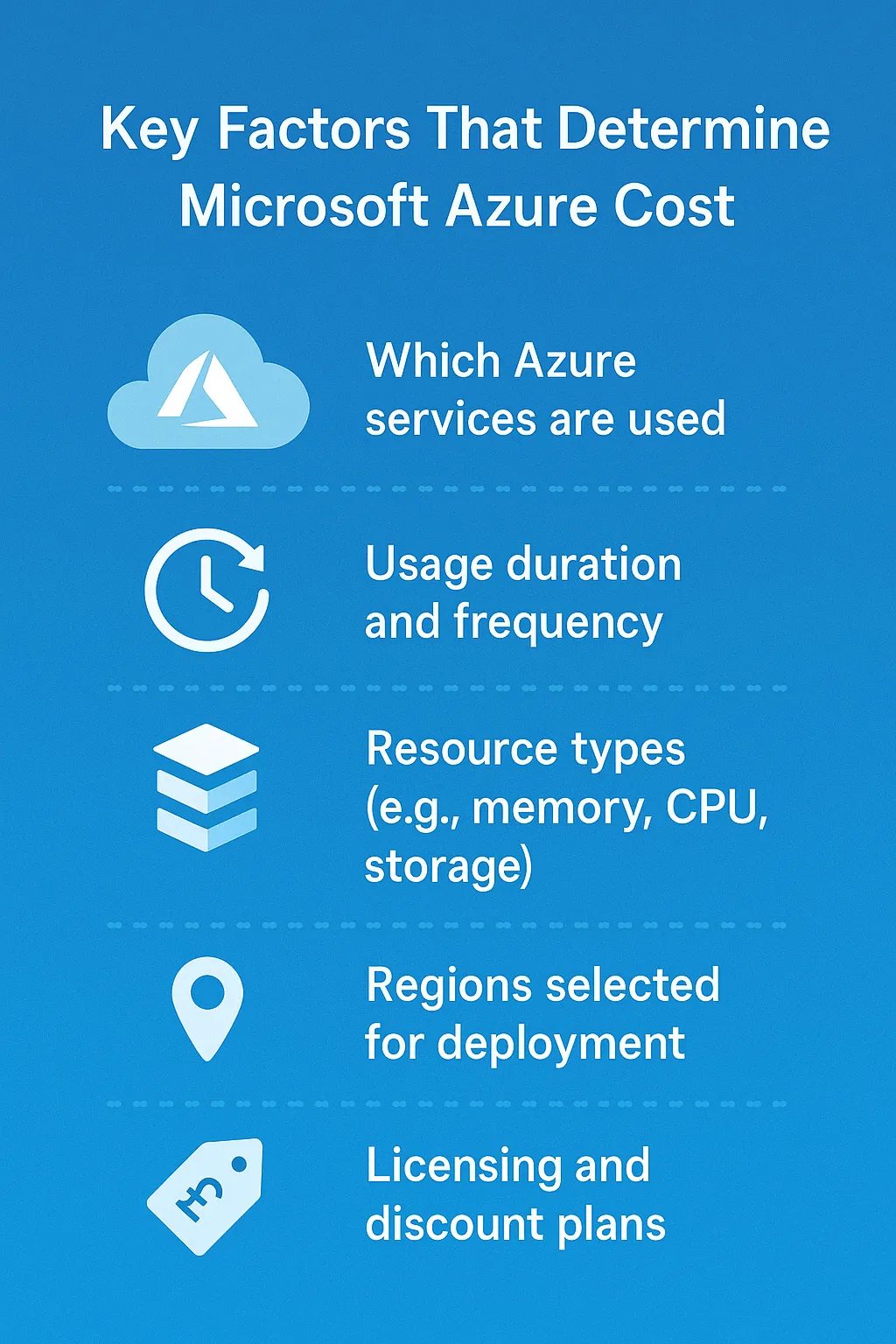
Your organisation's Azure expenses depend on:
- Which Azure services are used
- Usage duration and frequency
- Resource types (e.g. memory, CPU, storage)
- Regions selected for deployment
- Licensing and discount plans (such as reservations or Hybrid Benefit)
Azure pricing models explained
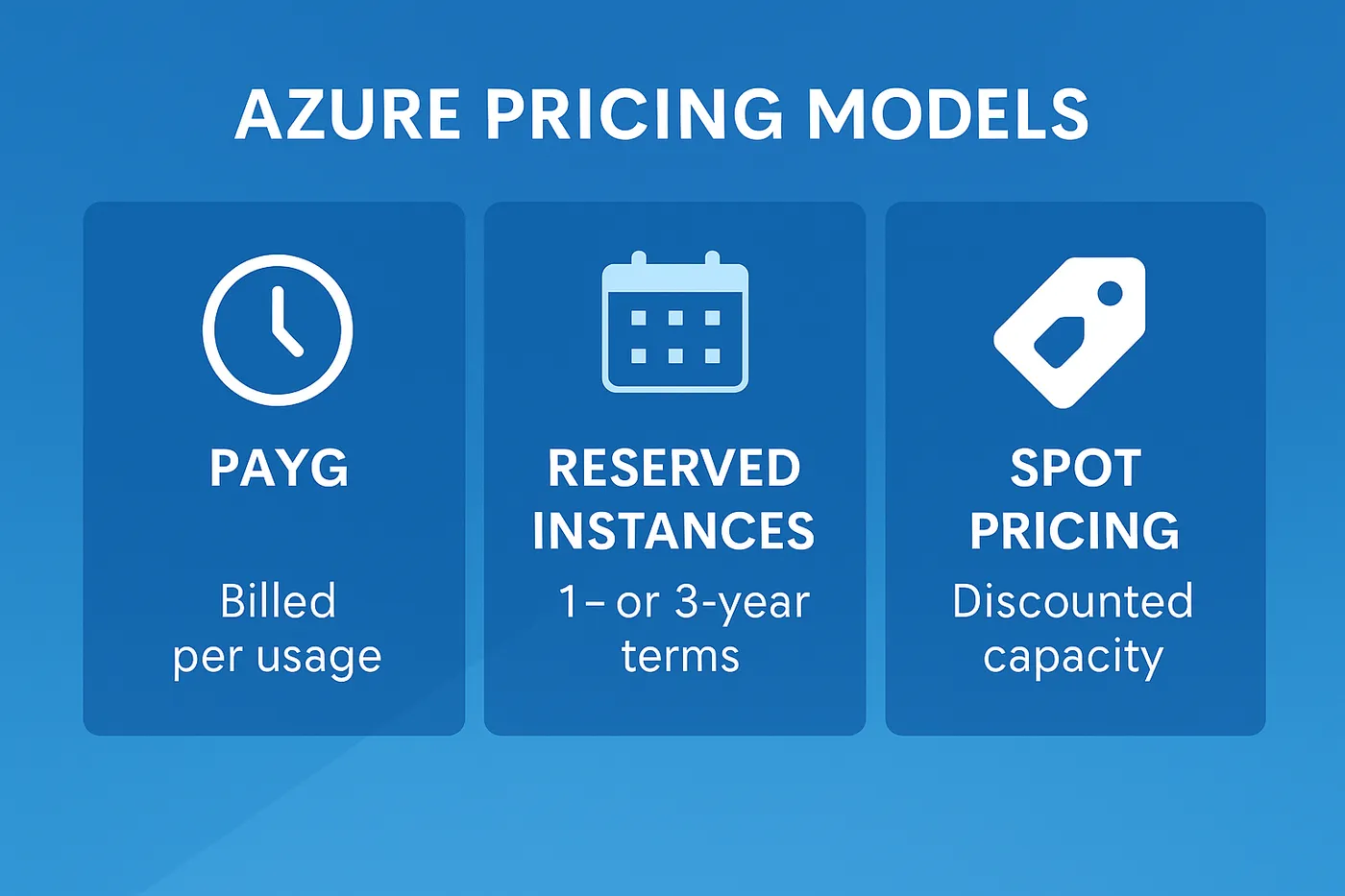
1. Pay-As-You-Go (PAYG)
This flexible model bills per second or per request. No upfront costs or contracts are required, making it suitable for startups, proof-of-concept projects, or businesses with unpredictable usage patterns.
2. Reserved Instances (RI)
Reserved Instances require committing to 1-year or 3-year contracts for specific services like Virtual Machines. Microsoft offers up to 72% savings compared to PAYG for stable workloads with predictable resource usage.
3. Spot pricing
Azure spot instances let you purchase unused compute capacity at discounted rates — potentially 90% lower than standard pricing — though instances can be interrupted with minimal notice.
4. Azure Hybrid Benefit
Organisations with existing on-premises Microsoft licences (Windows Server, SQL Server) with Software Assurance can save up to 85% on eligible Azure services by applying these licences to Azure resources.
Key services and their estimated cost (2025)
| Service | Use case | Estimated monthly cost* |
|---|---|---|
| Azure Virtual Machine (DS2 v3) | General purpose workloads | £65 – £90 |
| Azure SQL Database (Standard, 100 DTUs) | Transactional processing | £150 – £180 |
| Azure Blob Storage (Hot tier, 1 TB) | File and media storage | £17 – £25 |
| Azure App Service (Standard plan) | Web hosting / APIs | £45 – £70 |
| Azure Virtual Network & Gateway | Secure connectivity | £80 – £120 |
*Prices are indicative and may vary by region or configuration. Always check the official Azure pricing calculator for up-to-date rates.
Tools to estimate and monitor Azure costs
Azure Pricing Calculator
This web-based tool allows you to build an estimate for your Azure components based on anticipated usage. It factors in regions, software licences and support levels.
Azure Cost Management and Billing
Integrated within the Azure portal, this tool offers budget creation, cost alerts and usage trends. Users can attribute costs to departments or projects using tags and cost allocation rules.
Azure Advisor
This service analyses your environment and provides personalised recommendations on optimising performance, reliability — and importantly — cost. For example, Azure Advisor can suggest rightsizing resources or using Reserved Instances.
Tips to reduce Microsoft Azure costs in 2025
- Use Reserved Instances for long-term workloads instead of PAYG pricing.
- Auto-shutdown and auto-scale virtual machines to avoid paying for idle resources.
- Tag resources to track usage by department, project or team.
- Review Azure Advisor recommendations monthly to find cost-saving opportunities.
- Right-size VMs and databases to match actual usage needs.
- Use Azure Hybrid Benefit to reduce licensing costs if you already own Microsoft licences.
Common pitfalls that increase Azure costs
- Leaving unused resources running (e.g. test VMs)
- Provisioning more capacity than needed
- Failing to use Reserved Instances
- Lack of cost monitoring or alerts
- Not leveraging built-in cost analysis tools
Outlook for Azure pricing trends in 2025
Microsoft continues to refine Azure pricing to remain competitive while adding more services. Based on current trends:
- Compute and storage prices are expected to remain stable or gradually reduce due to efficiency gains and global infrastructure expansion.
- More flexible pricing models, such as per-second billing and dynamic scaling, will become the norm.
- Microsoft may introduce new sustainability-based pricing tiers that reward efficient workloads with lower rates.
Staying informed and adapting your cloud strategy is essential to controlling your Microsoft Azure cost over the long run.
Conclusion
As organisations navigate their digital transformation journey through public cloud services, understanding the real cost components of platforms like Azure is no longer optional. With the right mix of pricing models, tooling and governance, managing Microsoft Azure cost becomes achievable — not just for IT managers, but for CFOs and business leaders alike.
Cloud pricing doesn't need to be a black box. With expert guidance, you can gain transparency, reduce overspend and align your cloud investment with strategic goals — see our Microsoft 365 and Azure consultancy or book a free consultation.
Want this handled for you?
Circuit Minds is a UK managed IT provider - plans from £35 per user/month, with a free Microsoft 365 security audit to start. Cancel with 30 days notice anytime in your first 3 months, no questions asked.