Google Mobile Device Management Review: How It Compares to Microsoft Intune
Google's Mobile Device Management, integrated into Google Workspace, provides a way to manage mobile and endpoint devices across an organisation. For businesses already using Gmail, Google Drive and Google Docs, it's a natural starting point. However, as IT requirements become more sophisticated, questions arise about scalability. This review examines Google MDM's capabilities and contrasts them with Microsoft Intune, which Circuit Minds recommends for comprehensive mobile device management.
What is Google Mobile Device Management?
Google MDM is a cloud-based device management solution built into Google Workspace. It enables administrators to enforce policies, perform remote wipes on lost devices, and monitor usage across smartphones, tablets and laptops — particularly Android and ChromeOS devices.
Key features include:
- Basic and advanced mobile device management modes
- Remote wipe and screen lock capabilities
- Enforced screen lock and password policies
- App management for Android devices via managed Google Play
- Device reports and activity logging
Strengths of Google MDM
- Native integration with Google Workspace
- No additional licensing cost for Workspace users
- Simple and intuitive admin console
- Good support for Android and ChromeOS environments
Limitations of Google MDM
- Limited iOS and Windows device management
- No granular compliance enforcement or conditional access
- Weak integration with non-Google cloud services
- Basic app deployment tools compared to full MDM solutions
- Lacks zero-trust capabilities for enterprise-grade security
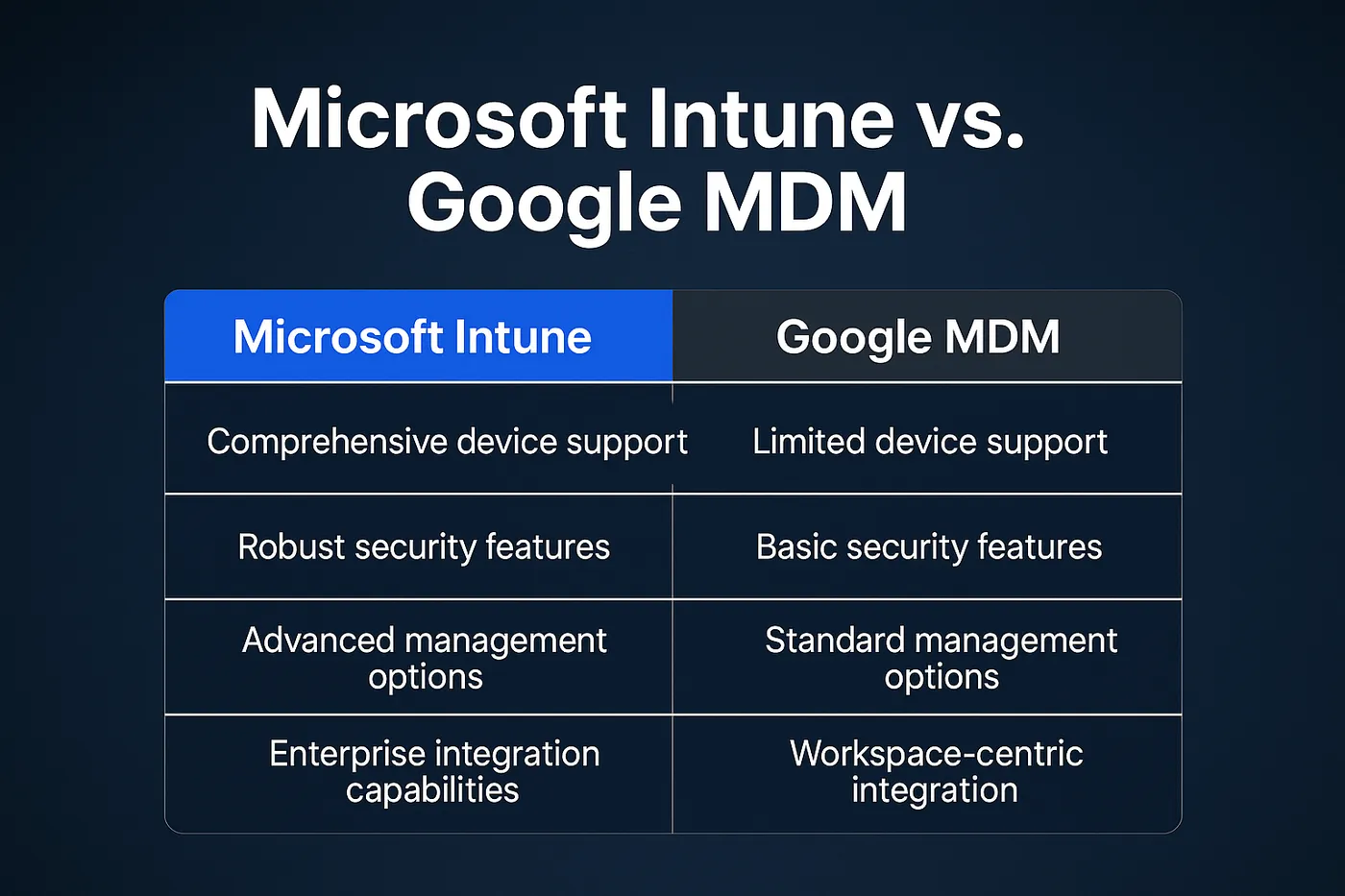
Microsoft Intune: the scalable alternative
Microsoft Intune is a comprehensive MDM and MAM (Mobile Application Management) solution that supports advanced policies, app protection, compliance rules and secure identity integration across all major platforms.
With Intune, you can:
- Manage iOS, Android, Windows and macOS devices
- Enforce security compliance with conditional access
- Deploy apps silently across entire fleets
- Integrate directly with Microsoft 365 and Microsoft Entra ID (formerly Azure AD)
- Gain full visibility into your device landscape
Side-by-side comparison
| Feature | Google MDM | Microsoft Intune |
|---|---|---|
| Cross-platform support | Android, ChromeOS (basic iOS/Windows) | Android, iOS, Windows, macOS |
| App deployment & protection | Basic Android support only | Advanced across all OSs |
| Compliance enforcement | Basic policies | Conditional Access, zero trust |
| Integrations | Google Workspace only | Microsoft 365, Entra ID, third-party |
| Best for | Small teams, light policies | Growing teams, enterprise-level control |
Why Circuit Minds recommends Microsoft Intune
Google MDM serves as an adequate foundation, though it lacks scalability for businesses requiring visibility, control and security across multiple platforms. Circuit Minds helps organisations implement Microsoft Intune to leverage these capabilities through professional setup, compliance alignment and ongoing support.
Conclusion
Google MDM suits lightweight, Android-centric teams. For growing organisations, those handling sensitive data, or those managing mixed device environments, Microsoft Intune is the superior solution.
If you're weighing up your device management options, take a look at our Microsoft Intune consultancy or book a free consultation.
Want this handled for you?
Circuit Minds is a UK managed IT provider - plans from £35 per user/month, with a free Microsoft 365 security audit to start. Cancel with 30 days notice anytime in your first 3 months, no questions asked.