Enterprise Excellence: Navigating the Landscape of Microsoft 365
Microsoft 365 Enterprise is the platform many large organisations build their modern workplace on — but understanding what it includes, which tier fits, and how it differs from the Business plans takes some navigation. This guide covers the essentials.
What is Microsoft 365 Enterprise?
Microsoft 365 Enterprise represents the premium tier of the Microsoft 365 suite, designed specifically for large and mid-sized organisations. Unlike consumer or small business versions, this edition provides advanced security, compliance capabilities and robust administration tools alongside familiar productivity applications including the Office apps, Teams, SharePoint and OneDrive for Business.
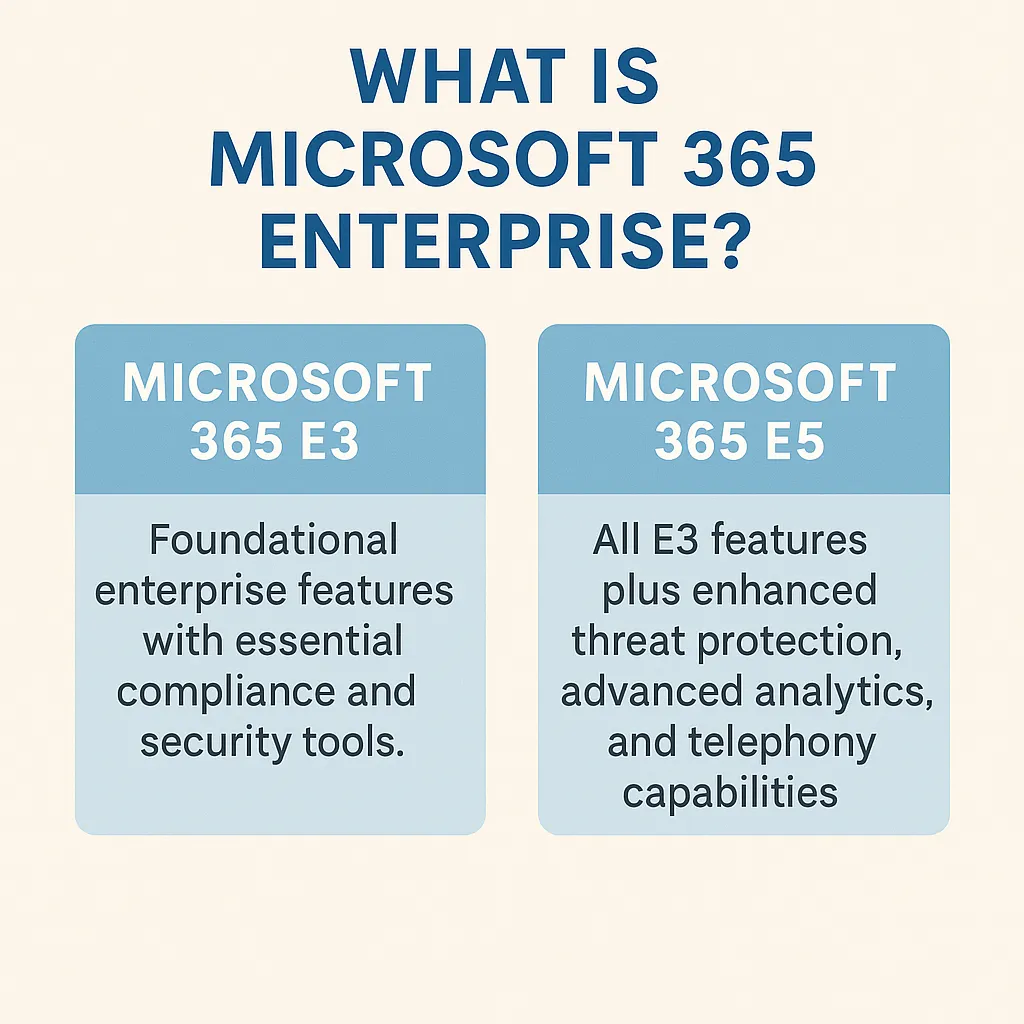
The Enterprise offering is divided into multiple tiers:
- Microsoft 365 E3: foundational enterprise features with essential compliance and security tools
- Microsoft 365 E5: all E3 features plus enhanced threat protection, advanced analytics and telephony capabilities
Why choose Microsoft 365 Enterprise?
Organisations pursuing digital transformation require an integrated cloud platform that enables collaboration, streamlines communication and maintains security. Microsoft 365 Enterprise delivers through:
- Cloud-first productivity: real-time collaboration via Microsoft Teams and OneDrive across devices and geographies
- Enterprise-grade security: tools like Microsoft Defender for Endpoint and Advanced Threat Protection secure company data at every layer
- Comprehensive compliance tools: built-in features like data loss prevention (DLP), eDiscovery, Compliance Manager and information barriers help safeguard sensitive information and meet industry standards
- Scalability and control: administrators benefit from granular control over devices, users, policies and analytics via the Microsoft 365 admin centre and Microsoft Entra ID (formerly Azure AD)
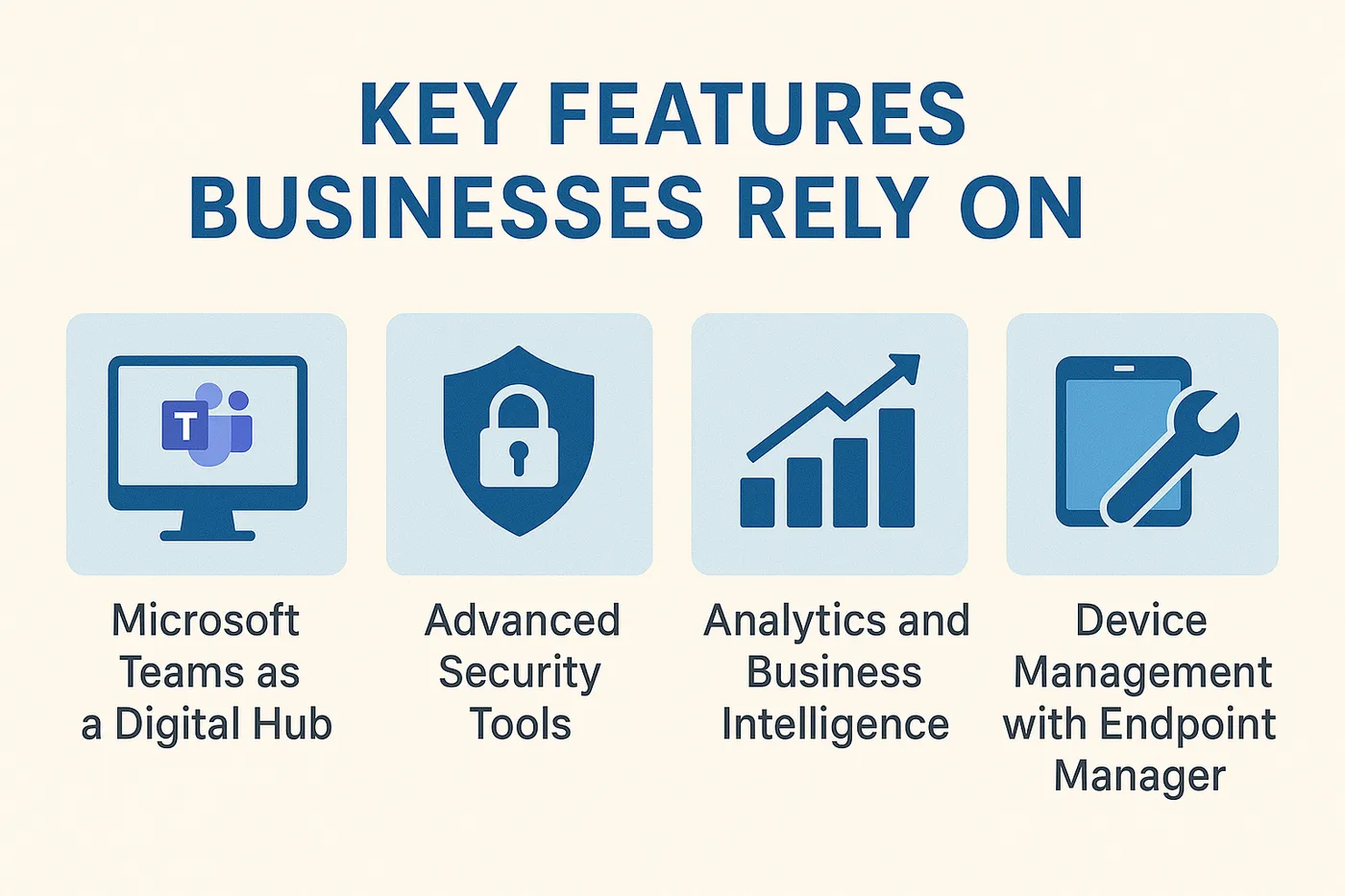
Key features businesses rely on
1. Microsoft Teams as a digital hub
Teams serves as the collaboration centrepiece in Microsoft 365 Enterprise. Beyond chat and video conferencing, it functions as a central platform for accessing files, integrating apps, managing meetings and communicating across the organisation.
2. Advanced security tools
Microsoft 365 E5 includes identity protection, endpoint security, email filtering and threat analytics powered by AI and cloud intelligence. Through Conditional Access and multi-factor authentication (MFA), businesses maintain tight control over data access.
3. Analytics and business intelligence
Microsoft 365 Enterprise includes Power BI Pro and MyAnalytics, enabling data-driven decision making. Leaders and employees can monitor productivity, optimise workflows and identify growth opportunities using insights from daily tools.
4. Device management with Endpoint Manager
Microsoft Endpoint Manager (including Intune and Configuration Manager) simplifies device management across Windows, macOS, iOS and Android. IT teams gain full control of configuration, updates and compliance enforcement in hybrid or remote-first environments.
Is Microsoft 365 Enterprise right for your organisation?
Consider the enterprise tier when:
- You require enterprise-level security and compliance
- You operate in regulated industries (e.g. finance, health, legal)
- You need seamless hybrid work experiences for employees across locations
- You manage a distributed network of devices or bring-your-own-device (BYOD) setups
- You need to merge existing applications or manage legacy on-premise systems
Microsoft 365 Enterprise vs Business: understanding the difference
While Microsoft 365 Business Premium is capped at 300 users and lacks advanced compliance, analytics and security features, Microsoft 365 Enterprise offers:
- Unlimited users and scalability
- Advanced compliance frameworks like retention policies and eDiscovery
- Telephony and cloud calling through Microsoft Teams Phone (in E5)
- Threat analytics and unified security dashboards
Navigating implementation: partnering for success
Implementing Microsoft 365 Enterprise is a transformation journey. Circuit Minds helps organisations:
- Audit and plan Microsoft 365 rollouts
- Conduct identity and security assessments
- Configure hybrid or cloud-native setups with Microsoft Entra ID
- Manage licensing, onboarding and training
- Deploy security baselines and zero trust strategies
Empowering the future of work
Microsoft 365 Enterprise serves as the bridge between legacy operations and modern excellence, offering flexibility, security and intelligence for modern enterprises. Strategic implementation and ongoing support are essential to realising its full value.
If you're planning a Microsoft 365 Enterprise rollout, our Microsoft 365 and Azure consultancy can help — book a free consultation to talk it through.
Want this handled for you?
Circuit Minds is a UK managed IT provider - plans from £35 per user/month, with a free Microsoft 365 security audit to start. Cancel with 30 days notice anytime in your first 3 months, no questions asked.