Exploring Microsoft 365 Apps for Business: Boosting Productivity
Microsoft 365 Apps for Business is a subscription-based productivity suite featuring desktop versions of Word, Excel, PowerPoint, Outlook and more. Unlike the free Office Online tools, it provides full installations with regular updates across multiple devices, alongside cloud storage and enterprise-grade security. Here's what's included — and how it can boost your team's productivity.
Core features of Microsoft 365 Apps for Business
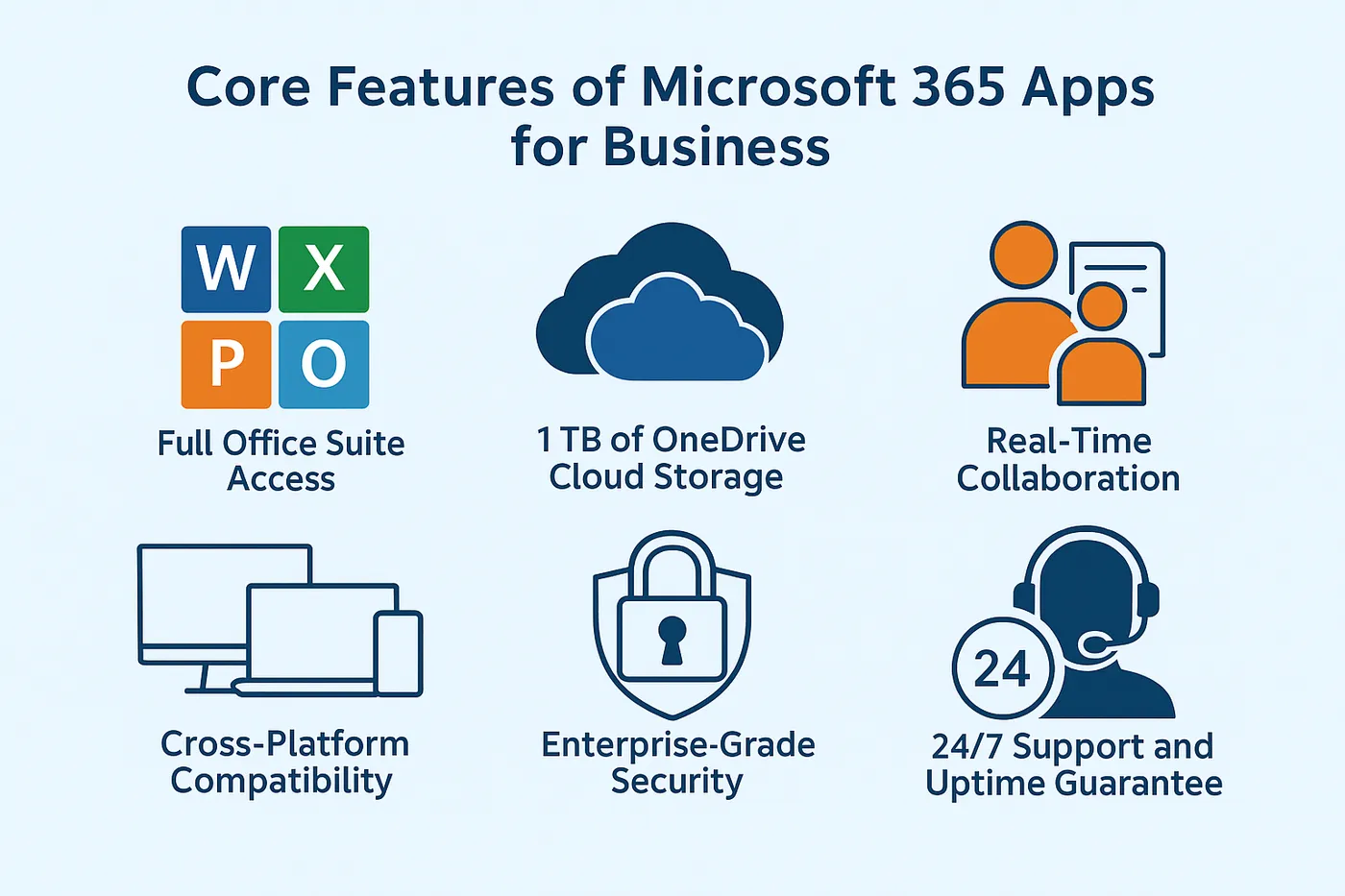
1. Full Office suite access
Users gain access to Word, Excel, PowerPoint, Outlook, OneNote, Publisher (PC only) and Access (PC only). Applications can be installed on up to five devices per user across desktops, laptops, tablets and mobile phones.
2. 1 TB of OneDrive cloud storage
Each user receives 1 TB of OneDrive for Business storage with version history, seamless syncing and secure sharing options for real-time file collaboration.
3. Real-time collaboration
Multiple users can simultaneously edit documents in Word, Excel and PowerPoint, eliminating version-tracking delays and improving project management efficiency.
4. Cross-platform compatibility
Applications work across Windows, Mac, iOS and Android devices, accommodating diverse hardware preferences and remote work arrangements.
5. Enterprise-grade security
Microsoft 365 incorporates Multi-Factor Authentication (MFA), Advanced Threat Analytics, and compliance features including GDPR readiness to protect distributed work environments.
6. Automatic updates and upgrades
Automatic updates ensure users always have the current application versions, reducing downtime and IT management overhead.
7. 24/7 support and uptime guarantee
Microsoft provides 99.9% financially backed uptime and round-the-clock phone and web support.
How Microsoft 365 Apps for Business boosts productivity
Simplified collaboration
Unified tools enable co-authoring documents, calendar sharing and Teams communication within the Microsoft 365 ecosystem, creating seamless workflows.
Anywhere, anytime access
Cloud-first architecture allows teams to collaborate and contribute from any location without friction — essential for remote and hybrid work models.
Simplified IT management
Centralised administration through the Microsoft 365 admin centre streamlines user access management, licensing, compliance configuration and security enforcement.
Enhanced scalability
The solution grows with expanding organisations, with straightforward user addition and integration options for Teams Phone, SharePoint or Microsoft Defender for Business.
Comparing Microsoft 365 plans: is Apps for Business right for you?
Microsoft 365 Apps for Business suits organisations that:
- Primarily require desktop Office applications and cloud storage
- Already use alternative communication platforms like Gmail or Slack
- Don't need Microsoft-hosted email or Teams
- Prioritise affordability without sacrificing quality
Businesses requiring Microsoft Exchange email, Teams or endpoint management should consider the Business Standard or Premium tiers instead.
Getting started with Microsoft 365 Apps for Business
Circuit Minds specialises in consulting, onboarding and managing Microsoft 365 environments, providing end-to-end support from licensing through user training to digital workspace security. We ensure smooth transitions from legacy systems and deliver scalable strategies that maximise value from your Microsoft tools.
Book a free consultation to discover how Circuit Minds can help — or find out more about our Microsoft 365 and Azure consultancy.
Want this handled for you?
Circuit Minds is a UK managed IT provider - plans from £35 per user/month, with a free Microsoft 365 security audit to start. Cancel with 30 days notice anytime in your first 3 months, no questions asked.