iPads Unleashed: Navigating Mobile Device Management
iPads are critical tools across modern businesses, schools and healthcare organisations. Their combination of design, processing power and app ecosystem makes them a natural fit for mobile workforces. But as adoption expands, organisations need a scalable and secure Mobile Device Management (MDM) solution to keep them safe and consistent.
This guide covers how to approach MDM for iPad estates — the fundamentals, why it matters, the leading platforms, recommended strategies, and how Circuit Minds helps with deployment.
What is Mobile Device Management for iPads?
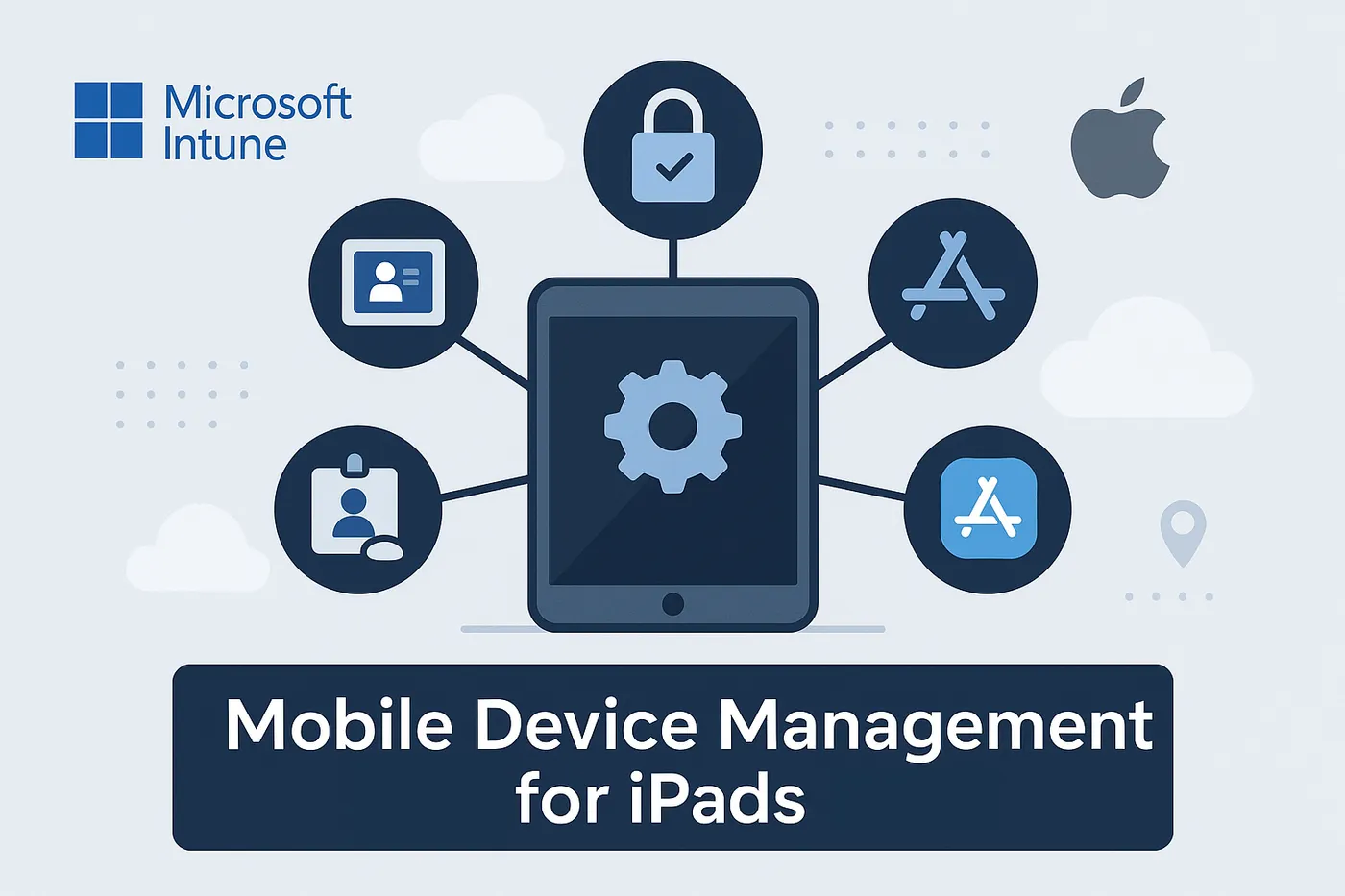
MDM is a remote administration system for mobile devices. For iPad estates, it enables IT administrators to:
- Perform over-the-air enrollment and provisioning
- Configure usage policies and device restrictions
- Remotely deploy, update and administer applications
- Enforce security measures (encryption, authentication)
- Locate devices and execute remote data wipes
- Connect with Apple Business Manager and Apple School Manager
Any organisation that depends on Apple hardware needs a dedicated iPad management strategy to minimise disruption, strengthen security and streamline workflows.
Why is iPad management so critical today?
Unmanaged iPads create operational and security problems. MDM addresses three critical needs:
1. Security & compliance
Uncontrolled devices are security holes. Sectors including financial services, healthcare and education must satisfy regulatory frameworks like UK GDPR. MDM enforces protections including encryption, authentication requirements and remote-wipe capability.
2. User experience & productivity
Pre-configured devices tailored to individual workflows make staff and students productive from the first unlock. Strong MDM delivers standardised app installs, content and settings — a better day-one experience and less support noise afterwards.
3. Scalability & efficiency
Manual setup doesn't scale. From ten devices to ten thousand, MDM enables automated provisioning through mechanisms like Apple Automated Device Enrollment (ADE) — no hands-on IT time per device.
The Apple ecosystem: ABM, ADE & VPP
Apple streamlines MDM through Apple Business Manager (ABM) and Apple School Manager (ASM). These programmes provide:
- Automated Device Enrollment (ADE) — zero-touch setup that eliminates manual configuration
- Volume Purchasing (VPP) — bulk app acquisition and distribution
- Managed Apple IDs — controlled access while IT keeps authority over resources and apps
With MDM and ABM integrated properly, devices arrive with end-users completely configured, requiring zero IT involvement.
Top MDM solutions for iPads
The established platforms supporting Apple's framework:
- Microsoft Intune — integrates naturally with Microsoft 365, delivering iPad administration through configuration policies and Entra ID connectivity. The usual best fit if you're already a Microsoft shop.
- Jamf Pro — the specialist choice for Apple-only estates, particularly valued in education and creative sectors
- Cisco Meraki — cloud-delivered MDM with an accessible admin interface
- VMware Workspace ONE — enterprise-grade platform with comprehensive iOS functionality
The right choice depends on your existing infrastructure, headcount and management requirements. Circuit Minds helps evaluate, design and execute the right MDM approach - see our Microsoft Intune consultancy.
Best practices for managing iPads with MDM
- Automate enrollment — use Automated Device Enrollment so onboarding needs no manual IT touch
- Enforce strong policies — require secure authentication, encryption and safe network behaviour
- Segment users — role-specific configurations for different departments and user types
- Schedule app updates — keep app versions and capabilities consistent organisation-wide
- Monitor & report — use platform analytics for device health, compliance verification and usage analysis
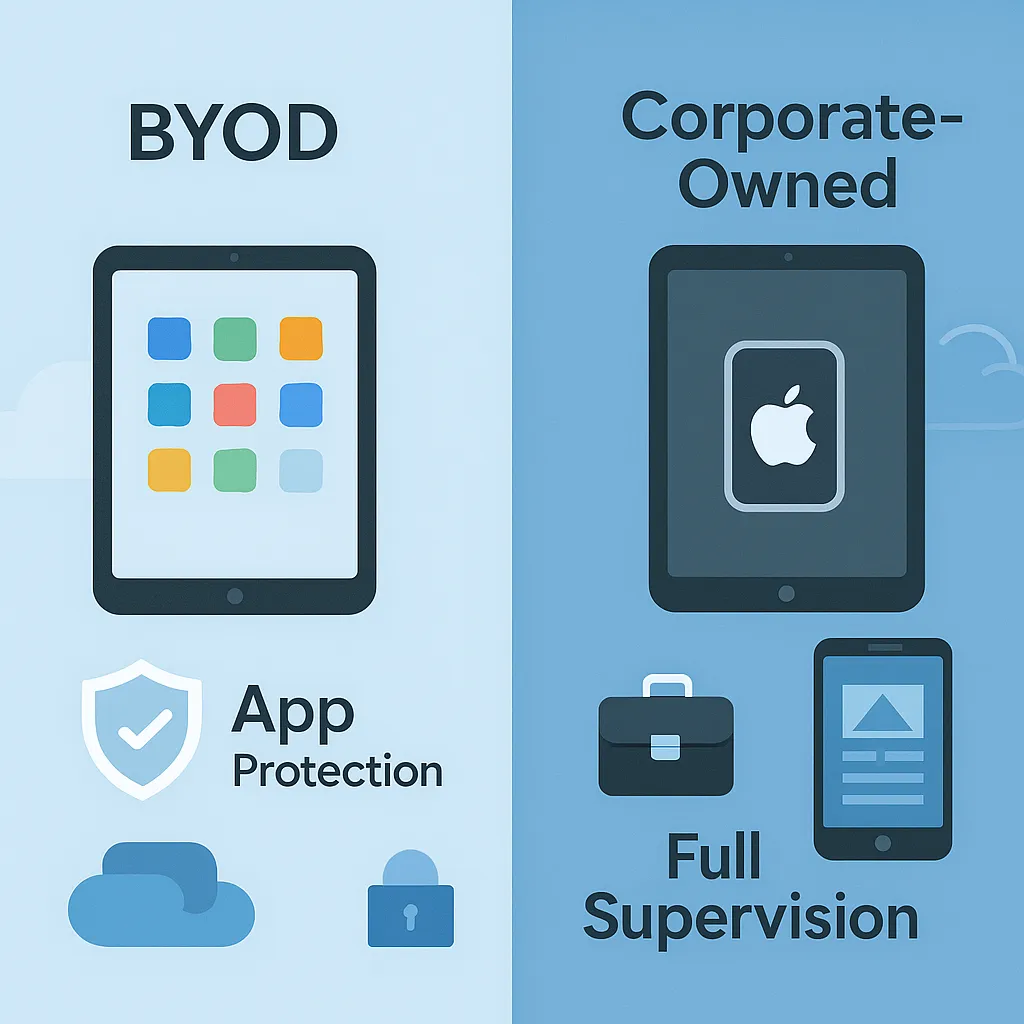
Managing BYOD vs corporate-owned iPads
Different ownership models need different management approaches.
BYOD (staff-owned)
- Deploy App Protection Policies instead of full device control
- Emphasise containerisation separating corporate apps and data from personal
- Tie access to Conditional Access rules in Microsoft Entra
Corporate-owned
- Mandate full device compliance and supervised mode
- Use the full deployment toolkit, including Single App Mode where needed
- Administer settings remotely, coordinate updates, and wipe data at offboarding
Why choose Circuit Minds for iPad device management?
Circuit Minds specialises in Apple device deployment within Microsoft-centric environments — bridging the Apple and Microsoft ecosystems with Intune so you get a secure, consistent experience without adding another tool. We handle:
- iPad provisioning and enrollment
- Apple Business Manager and Microsoft Intune integration
- Policy design, compliance monitoring and security strategy
- Ongoing administration and reporting
- Hybrid and distributed teams using Apple devices
Final thoughts
iPad adoption is an opportunity that comes with administrative overhead — and outcomes depend on management quality. With comprehensive mobile device management for iPads, your organisation gets security, consistency and user satisfaction at scale.
Book a free consultation to see how Circuit Minds can help you get there.
Want this handled for you?
Circuit Minds is a UK managed IT provider - plans from £35 per user/month, with a free Microsoft 365 security audit to start. Cancel with 30 days notice anytime in your first 3 months, no questions asked.