How to Find the Right Expert to Configure Microsoft Intune for Your Business
Microsoft Intune is a powerful platform for managing devices, applications and user access — but its breadth and complexity mean that a poor configuration can leave gaps in security and frustrate users. Finding the right expert to configure Intune for your business is one of the most important decisions in your device management journey.
Why Microsoft Intune matters for your business
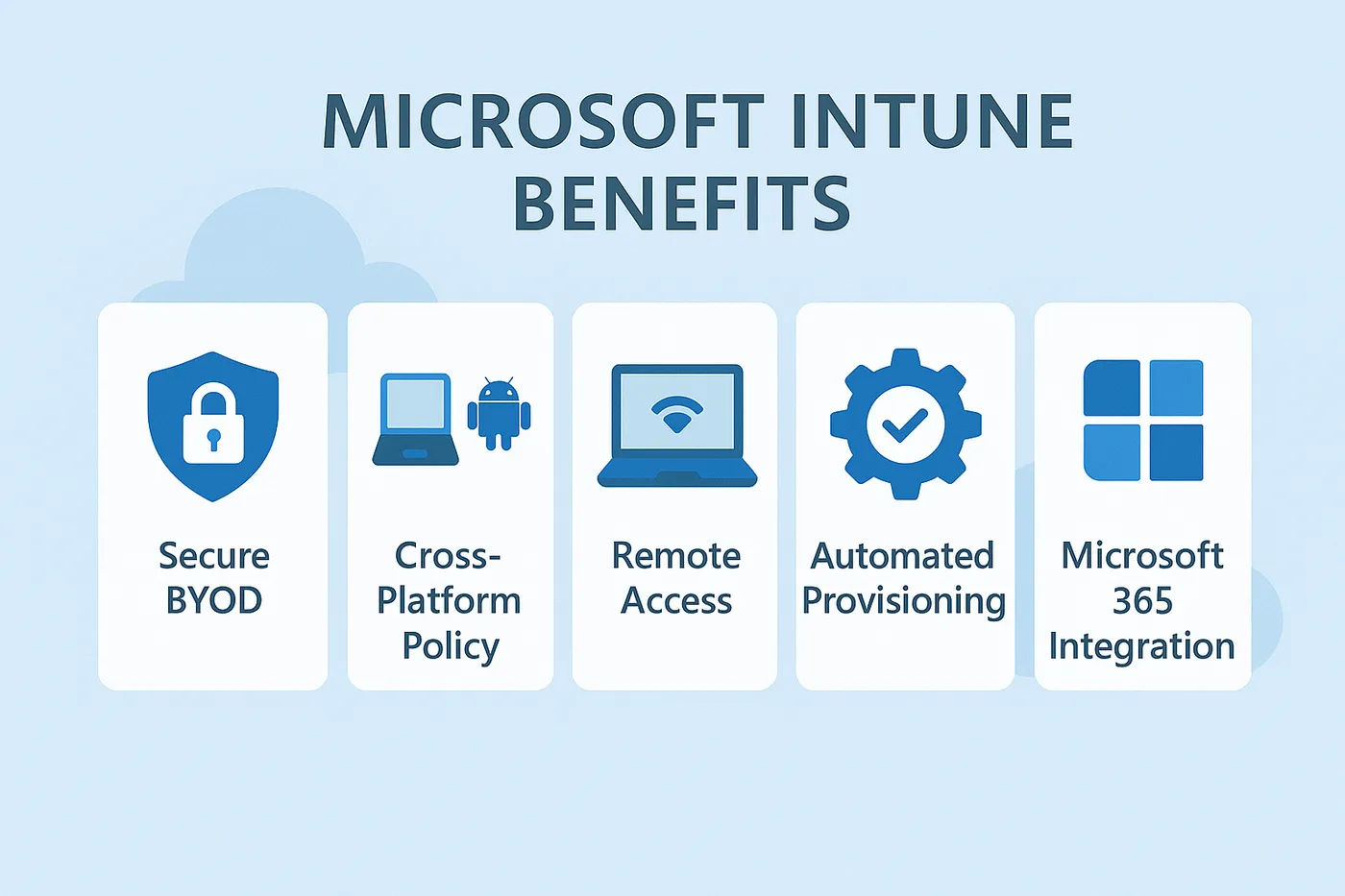
Microsoft Intune is a cloud-based service that helps organisations manage devices, applications and user access. The platform enables businesses to:
- Secure company data on both company-owned and personal devices (BYOD)
- Enable seamless remote work with policy-defined access
- Enforce compliance rules across Windows, macOS, Android and iOS
- Automate device provisioning and software deployment
- Integrate device management with Microsoft 365 and Microsoft Entra ID (formerly Azure AD)
However, the platform's complexity requires specialised expertise for proper implementation.
What makes an Intune expert the "right" fit?
1. Microsoft certifications
Seek professionals holding credentials like Microsoft Certified: Endpoint Administrator Associate or Microsoft 365 Certified: Modern Desktop Administrator, which validate hands-on Intune and Entra ID experience.
2. Real-world implementation experience
Request case studies and references. Experience varies between small-to-medium businesses and enterprise networks, particularly regarding work-from-home policies and hybrid environments.
3. Security-focused mindset
Device management extends beyond application installation to data protection. Qualified consultants should understand Conditional Access, endpoint security baselines and Defender for Endpoint integration.
4. Integration knowledge
Intune requires connection with Entra ID, Microsoft 365 and PowerShell automation. Capable consultants maximise your investment through comprehensive ecosystem knowledge.
5. Soft skills
Technical proficiency matters less without the ability to listen to your business requirements, document them, communicate clearly, and provide training or documentation.
Where to look for Intune configuration help
- LinkedIn: a platform for vetting professionals through experience and endorsements, particularly those discussing device management topics
- Referrals: personal recommendations from trusted business networks provide pre-vetted talent
- Dedicated consultancies: team-based approaches offer continuity and sustained service quality
The Circuit Minds approach to Microsoft Intune
Circuit Minds implements a five-stage process:
- Discovery and assessment — evaluation of current infrastructure, existing policies, user requirements and security posture
- Design and planning — stakeholder collaboration to build strategies addressing BYOD, frontline worker support or secure remote access
- Implementation — initial setup, profile creation, app deployment and testing
- Training and handover — documentation and administrator training for team self-sufficiency
- Ongoing support — continued support plans ensuring security and updates
Benefits of working with an Intune expert
Proper implementation delivers:
- Reduced deployment time
- Security and policy compliance from day one
- Fewer disruptions during rollout
- Improved user onboarding experience
- Access to scalable, best-practice configurations
Signs you need expert help now
Consider professional assistance if you experience:
- Manual device management with minimal automation
- Remote or hybrid workforce challenges
- GDPR, ISO 27001 or other compliance requirements
- Inconsistent device configuration
- Varying security policies across departments or regions
Final thoughts
The right Intune expert saves you time, strengthens your security posture and leaves your team confident in managing the platform day to day. Explore our Microsoft Intune consultancy, or book a free consultation to learn how Circuit Minds can help you.
Want this handled for you?
Circuit Minds is a UK managed IT provider - plans from £35 per user/month, with a free Microsoft 365 security audit to start. Cancel with 30 days notice anytime in your first 3 months, no questions asked.