How to Monitor Staff Device Security Remotely Using Microsoft 365 and Endpoint Manager
With staff working from anywhere, IT decision-makers need a way to keep visibility and control over the devices accessing company data. This guide explains how to implement remote device security monitoring using Microsoft 365 and Microsoft Endpoint Manager — built on Microsoft Intune and Microsoft Entra ID (formerly Azure AD).
What is Microsoft Endpoint Manager?
Microsoft Endpoint Manager is a unified management platform that brings together Intune and Configuration Manager. Working alongside Microsoft 365, it enables IT departments to manage user access, enforce compliance, deploy updates and monitor data security — all from a cloud interface.
Why remote device monitoring matters
Remote endpoint monitoring helps organisations:
- Ensure devices meet security compliance requirements
- Deploy security patches and updates consistently
- Detect potential vulnerabilities or unauthorised applications
- Control access to corporate resources based on device health
- Reduce the risk of data breaches and compliance violations
How to monitor staff device security remotely with Microsoft 365
1. Enrol devices into Microsoft Intune
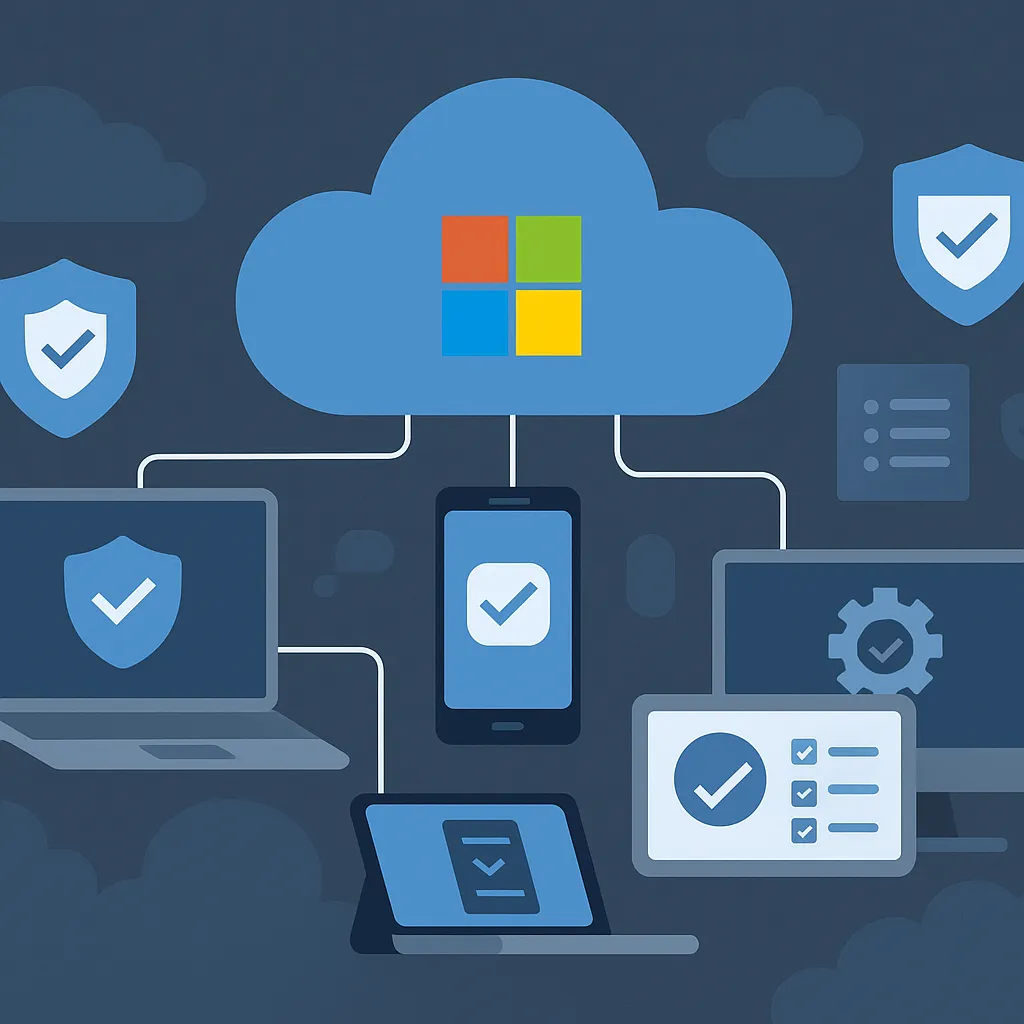
Device enrollment is the foundation for remote monitoring. Microsoft Intune supports enrollment for Windows, macOS, iOS and Android:
- Windows — auto-enrollment using Microsoft Entra join or hybrid join
- macOS/iOS/Android — Apple Business Manager or Android Enterprise
Once enrolled, devices check in regularly with Intune, enabling policy deployment, compliance monitoring and alert generation.
2. Define compliance policies
Compliance policies establish the minimum security configuration a device must meet, including:
- Antivirus and firewall requirements
- Operating system version (minimum or maximum)
- Disk encryption (BitLocker or FileVault)
- Passcode requirements
Non-compliant devices can be blocked or restricted from Microsoft 365 services using Conditional Access.
3. Set up Conditional Access
Conditional Access allows or blocks access based on user, device, location and risk factors. Examples include:
- Restricting SharePoint Online access to compliant, domain-joined devices
- Requiring multi-factor authentication (MFA) for access from unmanaged devices
- Blocking access from high-risk user sessions detected by Microsoft Defender for Cloud Apps
4. Monitor with device compliance and Endpoint Analytics
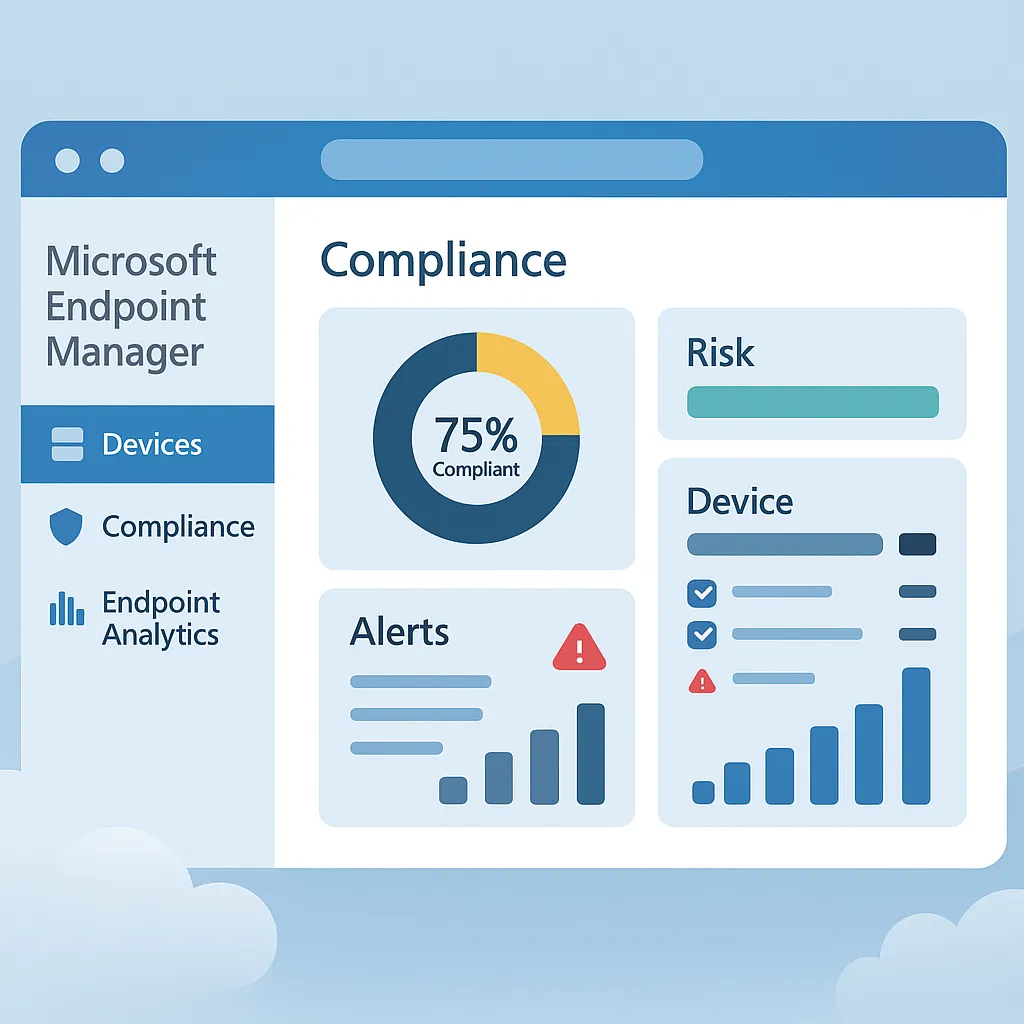
The Endpoint Manager admin centre gives IT administrators:
- Compliance status — track compliant and at-risk devices
- Risk reports — view security risks per device and user
- Endpoint Analytics — deeper insight into device performance, app crashes and user experience data
These dashboards provide real-time visibility without requiring physical access to any device.
5. Respond with Microsoft Defender for Endpoint
Integrating Microsoft Defender for Endpoint enables:
- Detection of malware and suspicious activity on enrolled devices
- Automated investigations and recommended actions
- Remote isolation of compromised devices from the network
- Security alert generation for integration with Microsoft Sentinel
Best practices for remote security monitoring
- Standardise baseline policies across departments
- Notify end users about compliance expectations and remediation options
- Enable auditing via Microsoft Purview for comprehensive tracking
- Schedule weekly compliance report reviews
- Implement role-based access control (RBAC) to limit admin access
Key benefits of monitoring with Microsoft 365 and Endpoint Manager
- Centralises control of your security infrastructure
- Empowers IT teams with automation and live telemetry
- Reduces security threats before they escalate
- Enables BYOD policies without compromising data
- Aligns with regulatory frameworks like ISO 27001 and Cyber Essentials
If you'd like help setting up secure, remote monitoring for your staff devices, explore our cyber security services or book a free consultation with Circuit Minds.
Want this handled for you?
Circuit Minds is a UK managed IT provider - plans from £35 per user/month, with a free Microsoft 365 security audit to start. Cancel with 30 days notice anytime in your first 3 months, no questions asked.